





Ameritz is formed from the office at 288 Smithdown Road.
We sell backing tracks on cassette tapes directly in the shop.
The mail order side takes off ‘We're gonna party like it's £19.99' Prince brings in the millennium in with his hit tune ‘1999’ . The singers in Liverpool are supported with the backing track ‘1999’. This is one of the first Ameritz music productions.
We move the shop to 479a Smithdown Road, Liverpool. The mail order side is now supported with new staff in the back office of the shop.
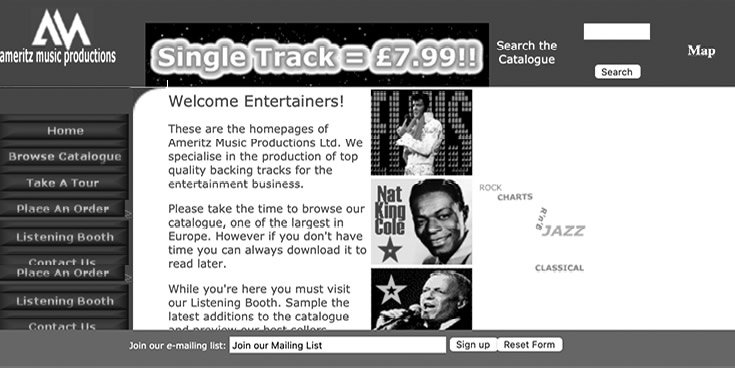
We buy new computers that can be connected to the ‘internet’ We build our first website at ‘www.ameritz.com’ It has a few basic pages, no way of ordering (only by telephone) There are six mp3 preview files in the ‘Listening Booth’ section. It proves popular with the public.
The website quickly becomes the focus with the web address now added to the sign on the front of the shop.
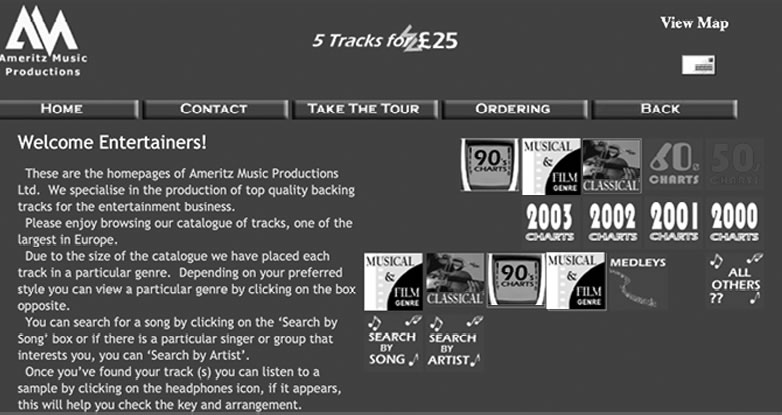
We launch the new internet music store. The site now holds a text version of the catalogue and some cool sections to browse with different genres. You can now fill in an order form and we call you for payment.
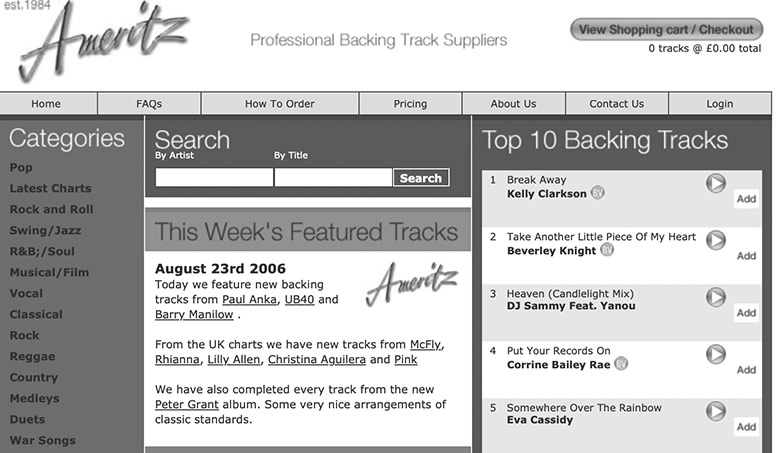
The third version of the web store is launched. It has easy to navigate genres on the left. Users can now preview each track with 30 second (mp3) audio clips.
We sign our first international digital distribution deal. This opens up many new revenue streams. Our own web music store is now the main revenue for Ameritz. Our music catalogue is appearing in the new MP3 music store ‘iTunes’ from Apple Computers.
The Ameritz music store now has the ability to take digital orders. We supply the music tracks as MP3 files downloaded via the users download page. We obtain one of the first digital music download licences in the UK (from the MCPS).
The Ameritz office moves to ‘The White House’ on Wilderspool Park in Warrington, UK.
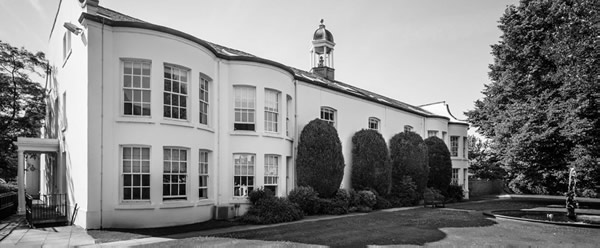
We are now selling as many MP3’s as CD’s.
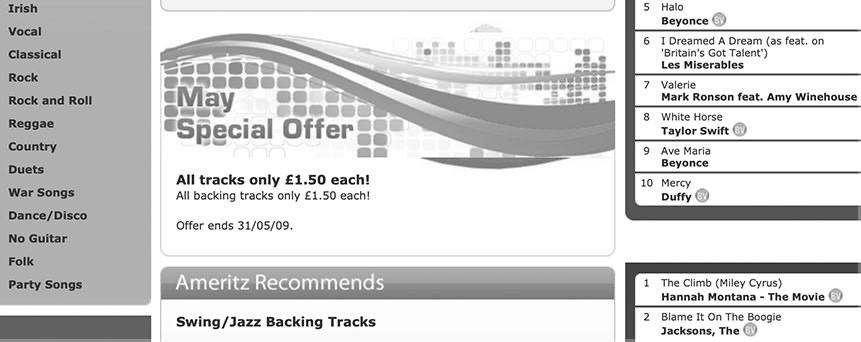
Download tracks are now only £1.50. No shipping costs!
Now only £1 a track!
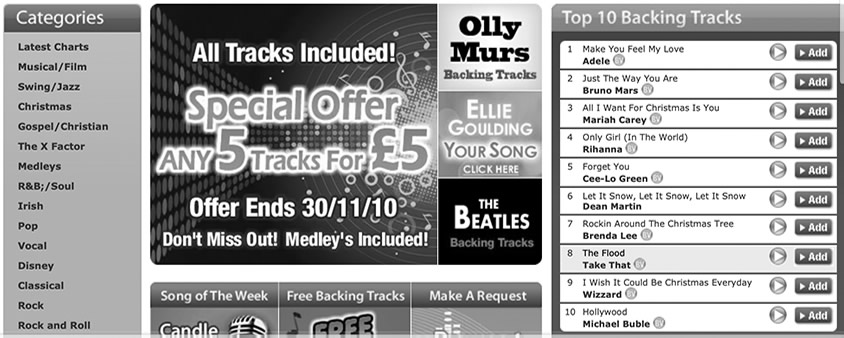
Now only 24p a track for 24 hours!
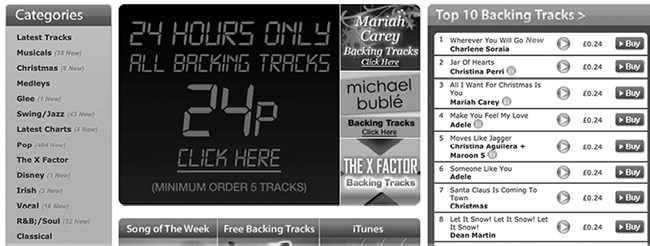
Ameritz is now the No.1 Backing Tracks supplier in the UK. Great news for all entertainers and fantastic revenue for the MCPS/PRS.
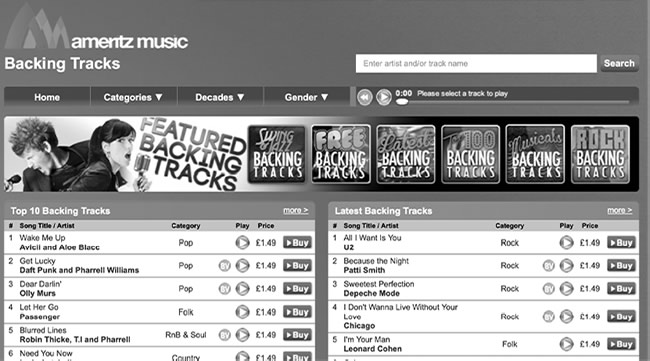
In 2013 we rebrand ‘Ameritz’ and launch the new Ameritz digital music store. We make the decision to end all physical sales due to the success of the digital download sales.
We begin to license new genres of music for global distribution. Data gathered from our existing backing tracks catalogue tells us that chill out music is most popular. We focus on classical music and piano tracks.
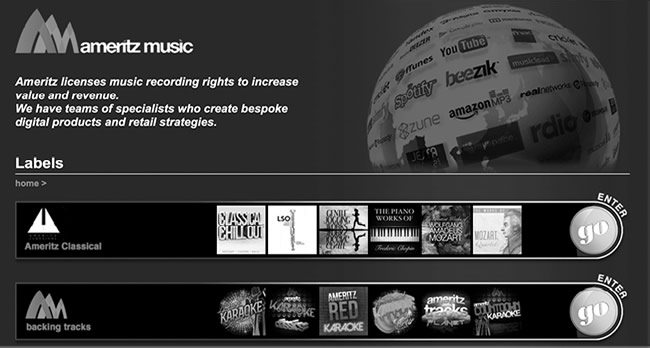
We sign and record with UK classical composer Martin Jacoby. His new recordings make great numbers across the world on Apple’s new music download store iTunes.
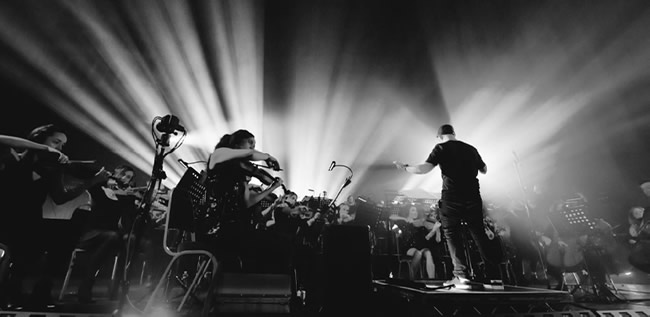
Classical music becomes the focus this year. We work with arranger Tim Crooks and the Up North Session Orchestra.
These sessions lead us to collaborate with super clubs the ‘Hacienda’ and Liverpool’s ‘Cream’ to create live music events ‘Hacienda Classical’ and ‘Cream Classical’ – the Hacienda Classical show is the fastest selling classical music show this year!
We close down the Backing Tracks music store. The new website is launched in the summer of 2017 and does now represent Ameritz in 2017.
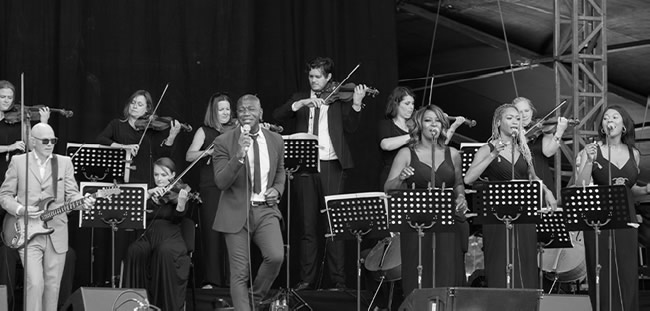
We produce the Northern Soul show with orchestra Manchester Camerata, at the sold out Neighbourhood Weekender in Warrington.
‘Cream Classical In the Park’ is performed to 32,000 people at Sefton Park in Liverpool. The show is executive produced by Ameritz.
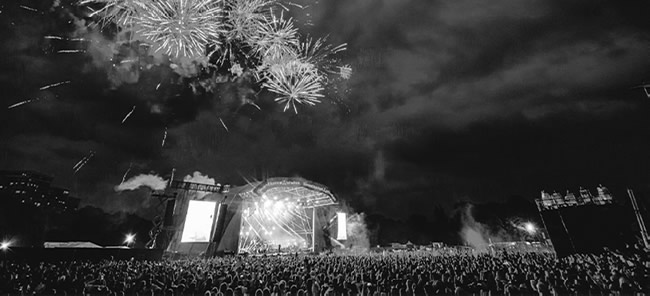
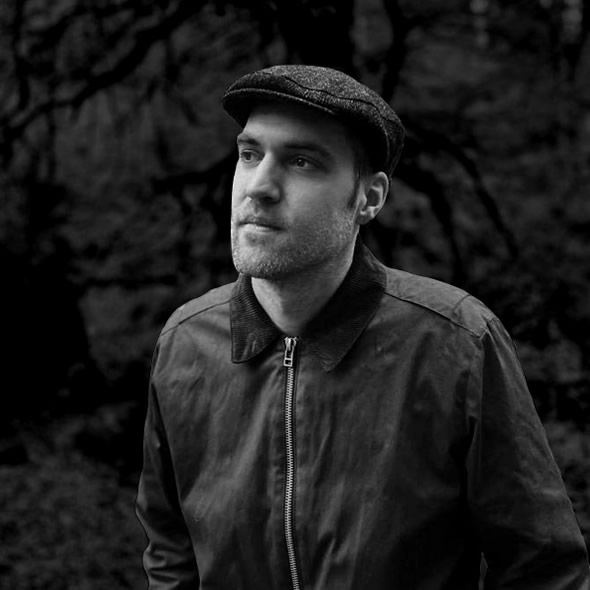
We continue to expand our roster and sign some fantastic new artists including Gavin Luke, Luke Faulkner and Max Corbacho. Our catalogue is now amassing over 100 million streams a month.
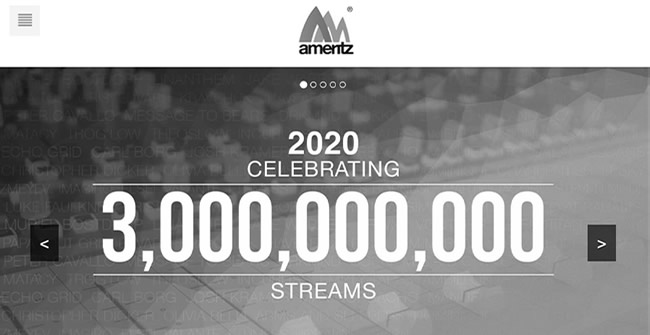
We celebrate 3 Billion streams!
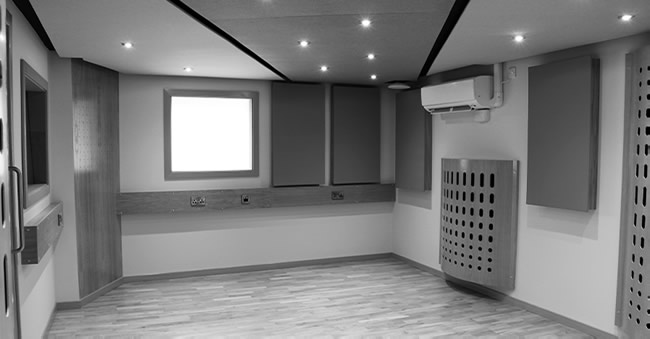
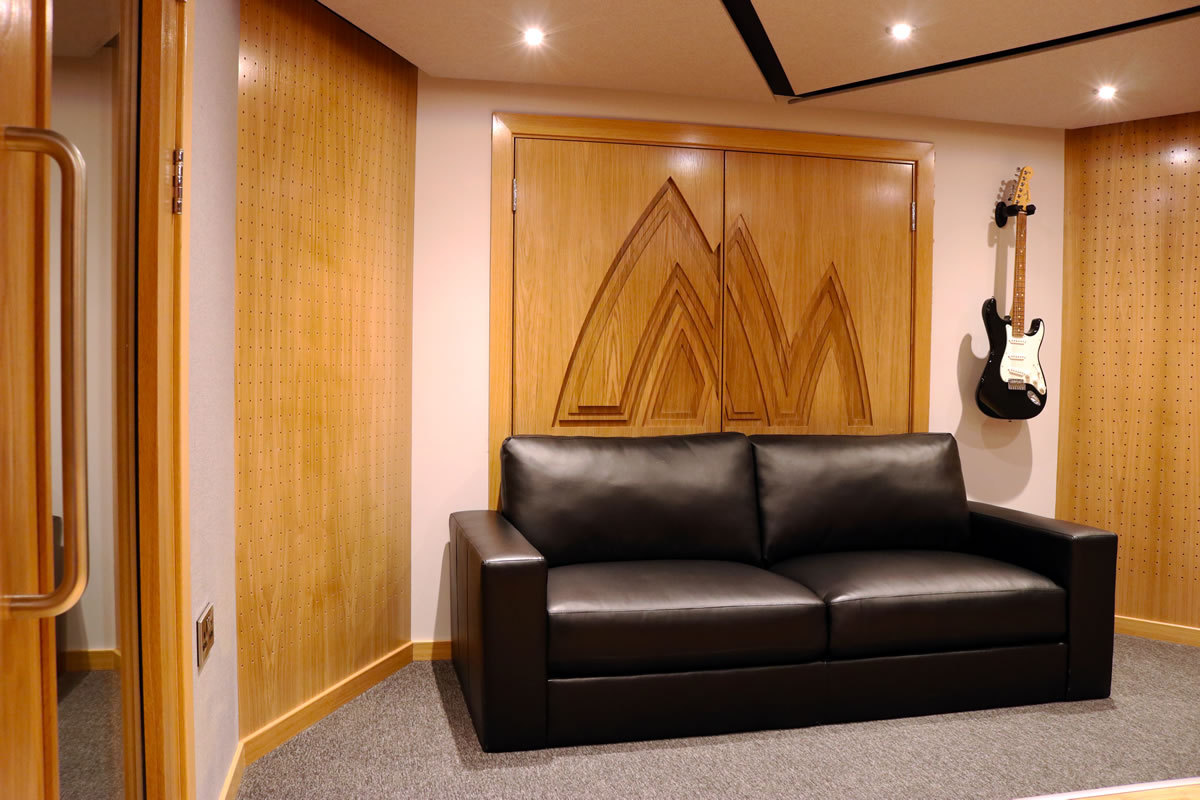
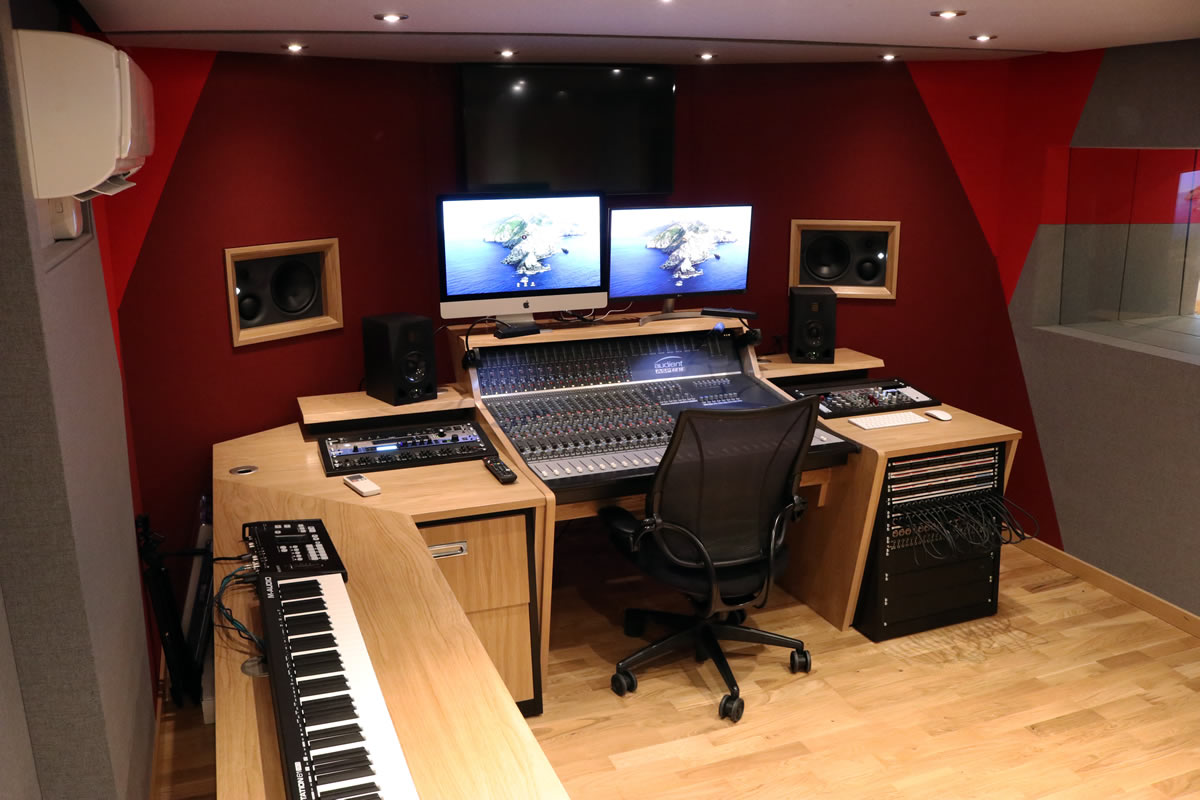
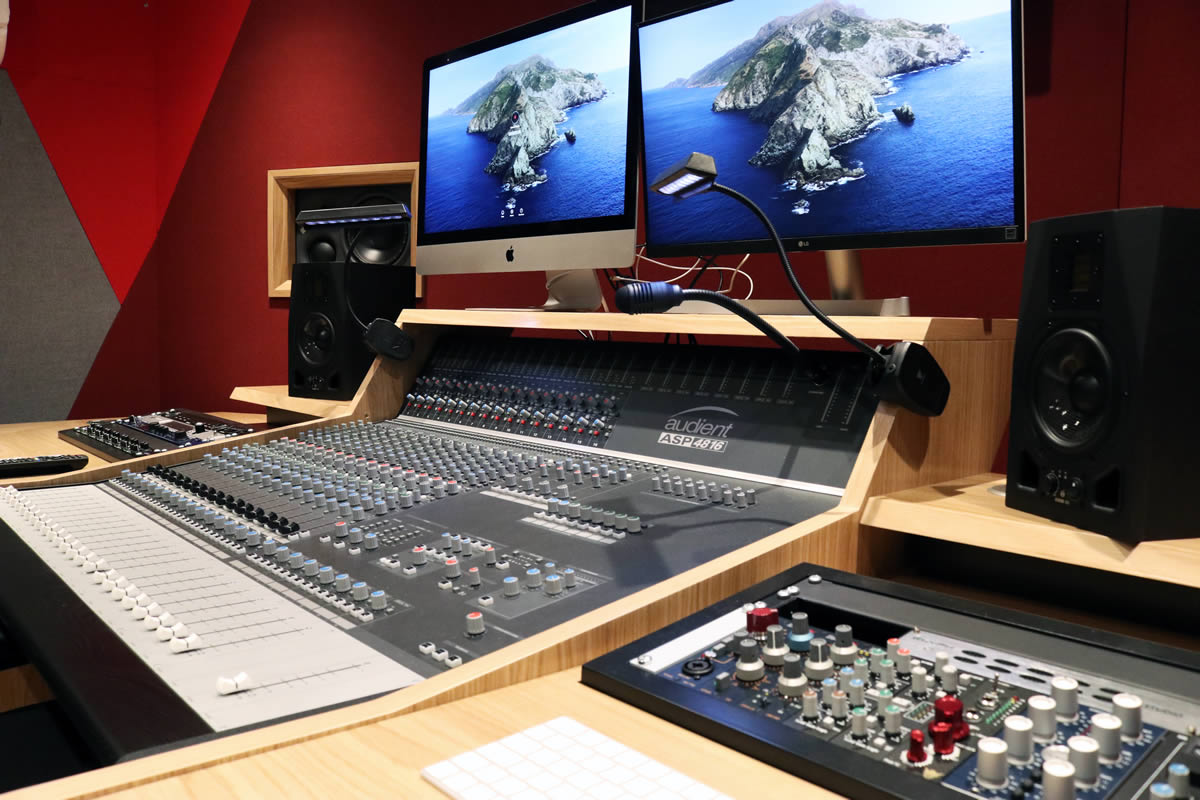
The pandemic is now over and our teams move back to Wilderspool Park. We begin signing new artists and use the studio and four production rooms. Now we have a team of almost 50 people.
We celebrate 25 years in business. Here’s to the next 25!